Upload Image
PNG, JPG or Paste from Clipboard
Upload your image
PNG, JPG or paste from clipboard. Your original subject stays perfectly intact — we only add what's missing.
Save your generations and keep your credits across devices.
Expand any image beyond its edges — AI fills in the scene so your photos never feel cropped again.
How it works
No design skills and no prompt required — upload, choose a shape, and generate.
PNG, JPG or paste from clipboard. Your original subject stays perfectly intact — we only add what's missing.
Choose your target aspect ratio — 16:9, 9:16, 1:1, or custom. No prompting needed.
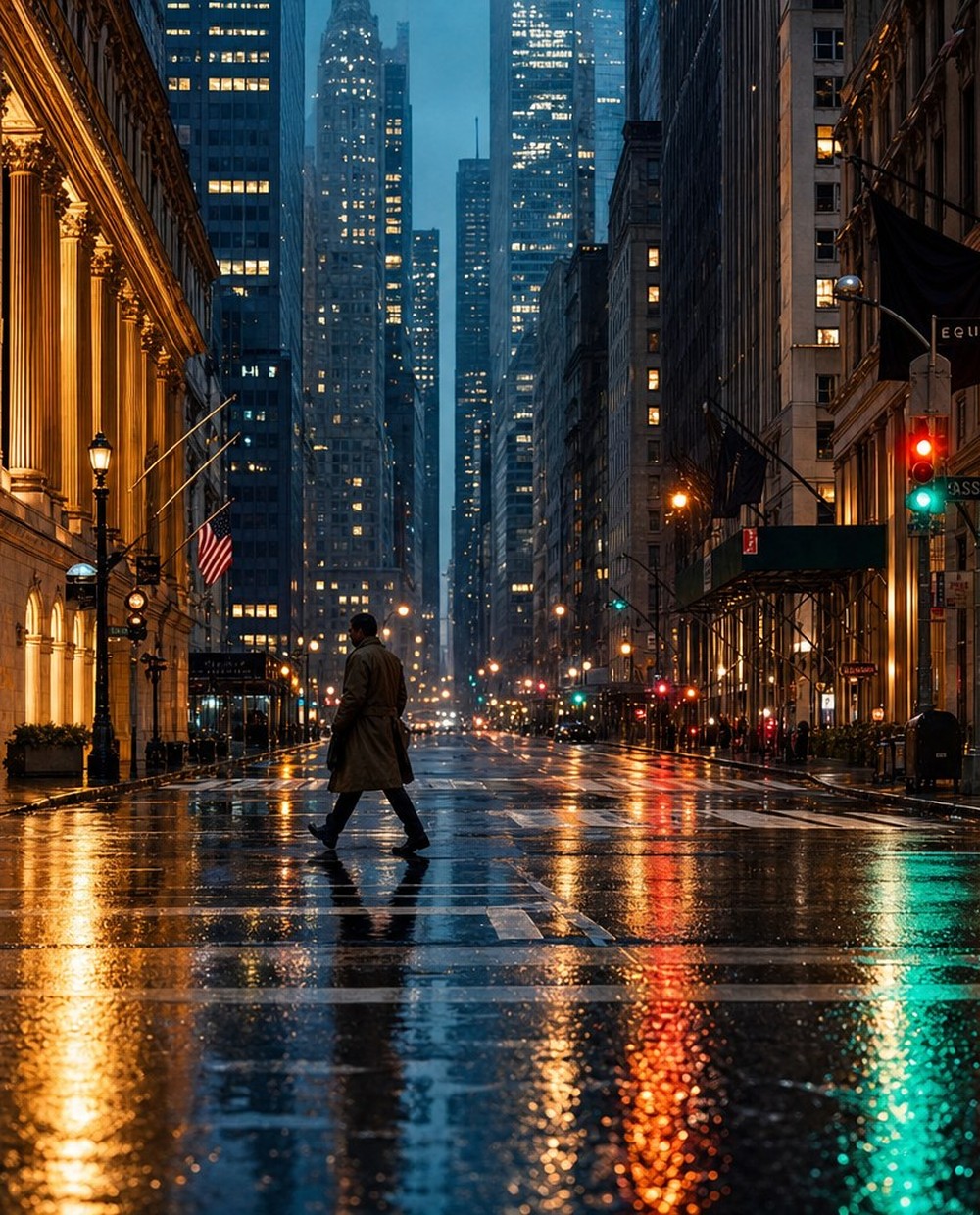
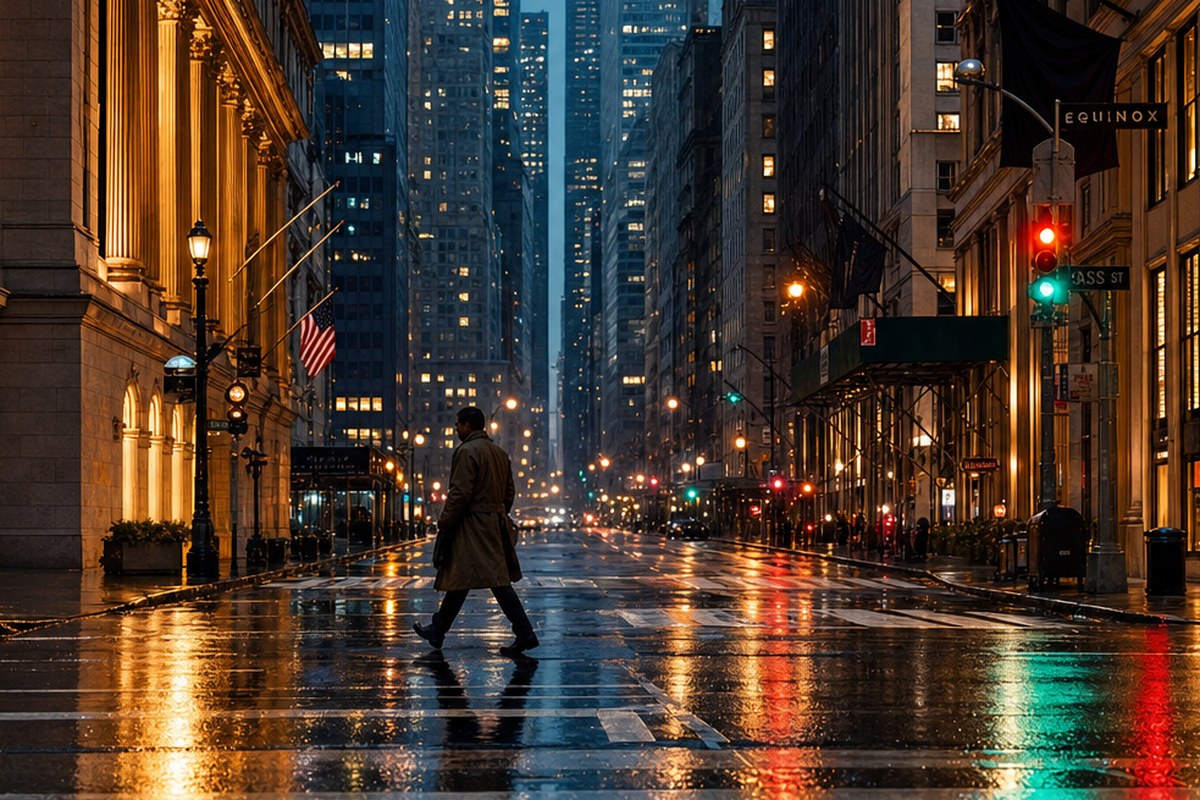
Hit generate and watch your image expand. The AI seamlessly fills in new scenery, background, and context around your original shot.
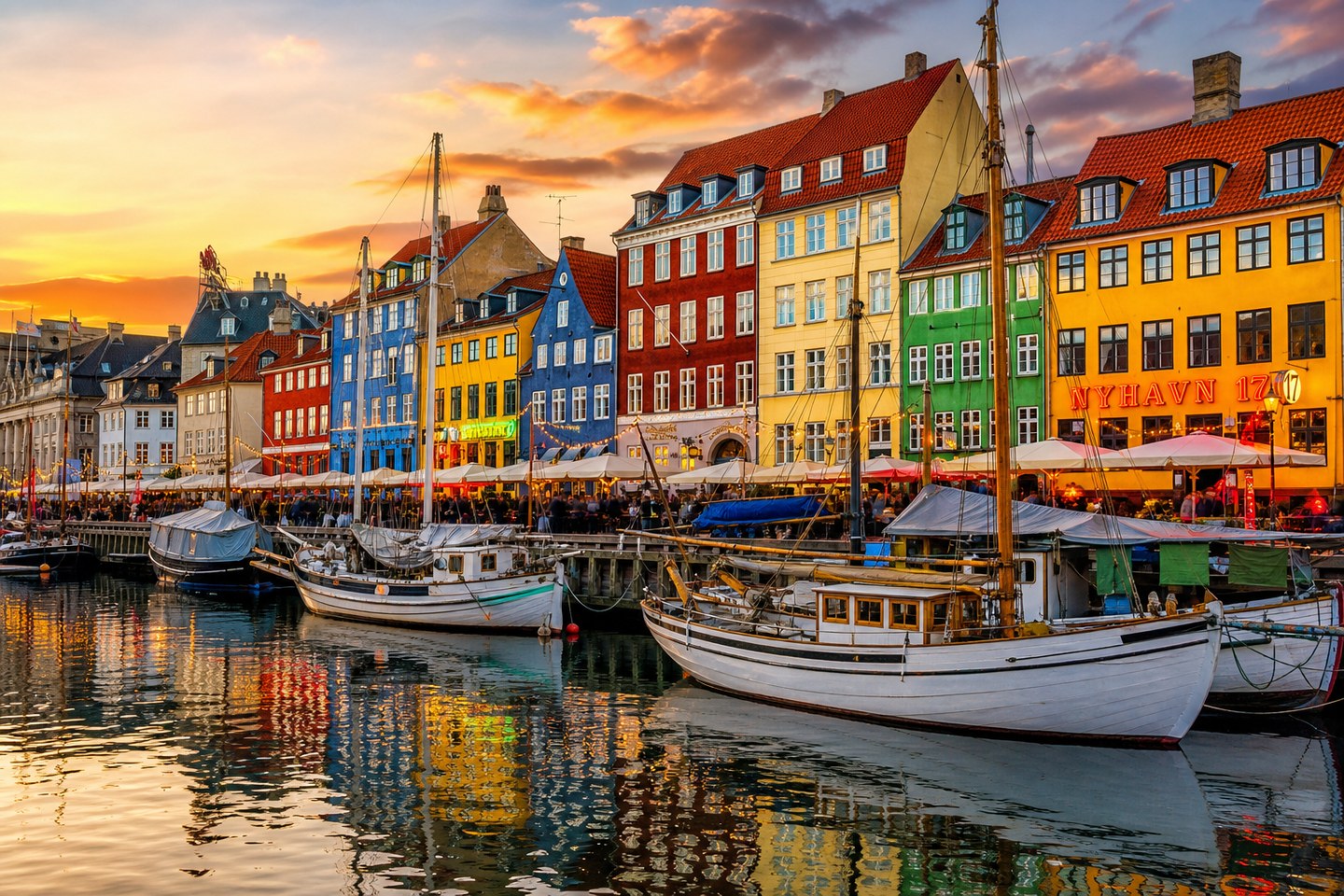
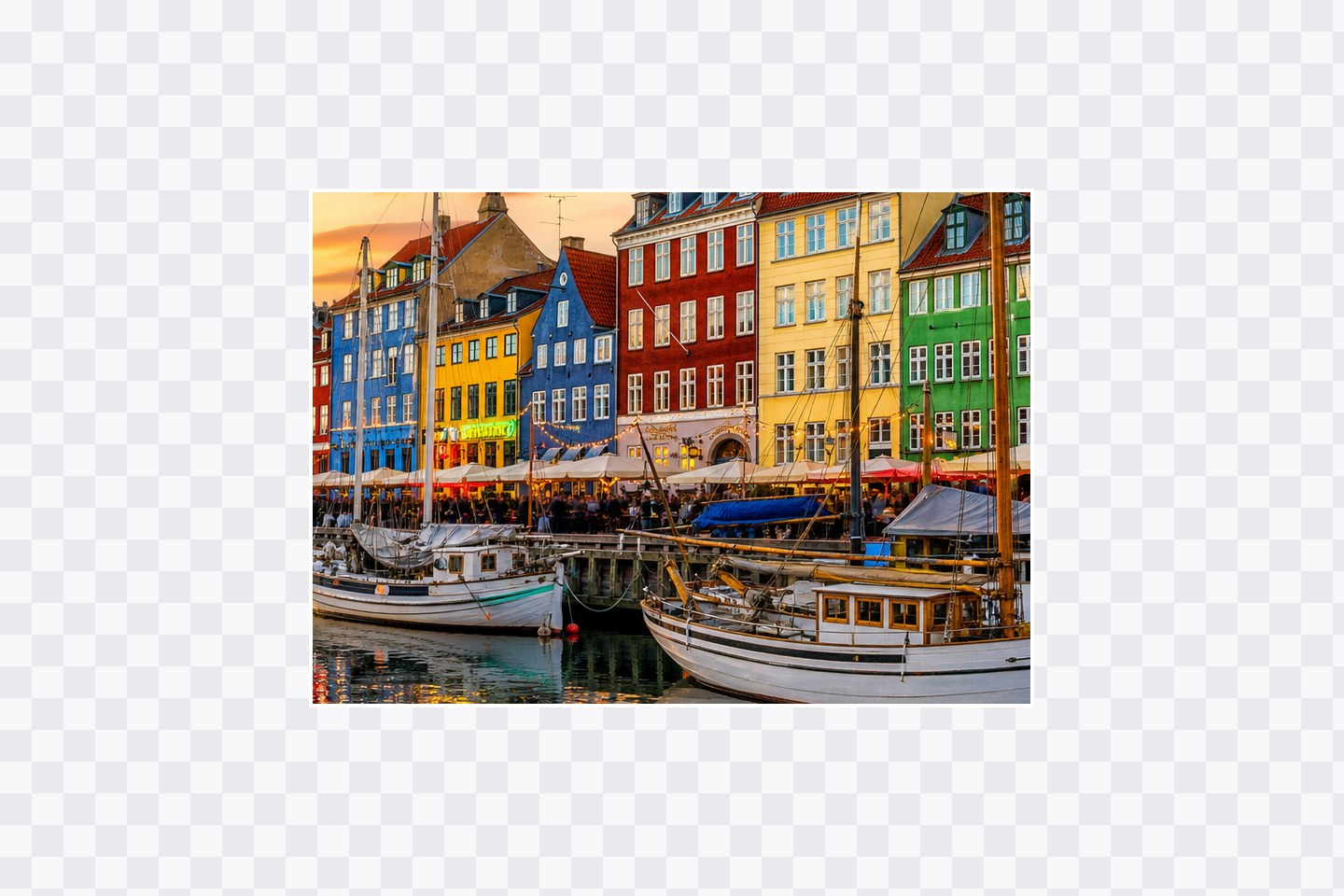 Before
After
Before
After
The AI reads your image and generates textures, colors, and perspective that continue the scene, so the expansion looks like it was always there.
Go from landscape to vertical or square in one step. Reframe a single asset for every channel without cropping or losing detail.
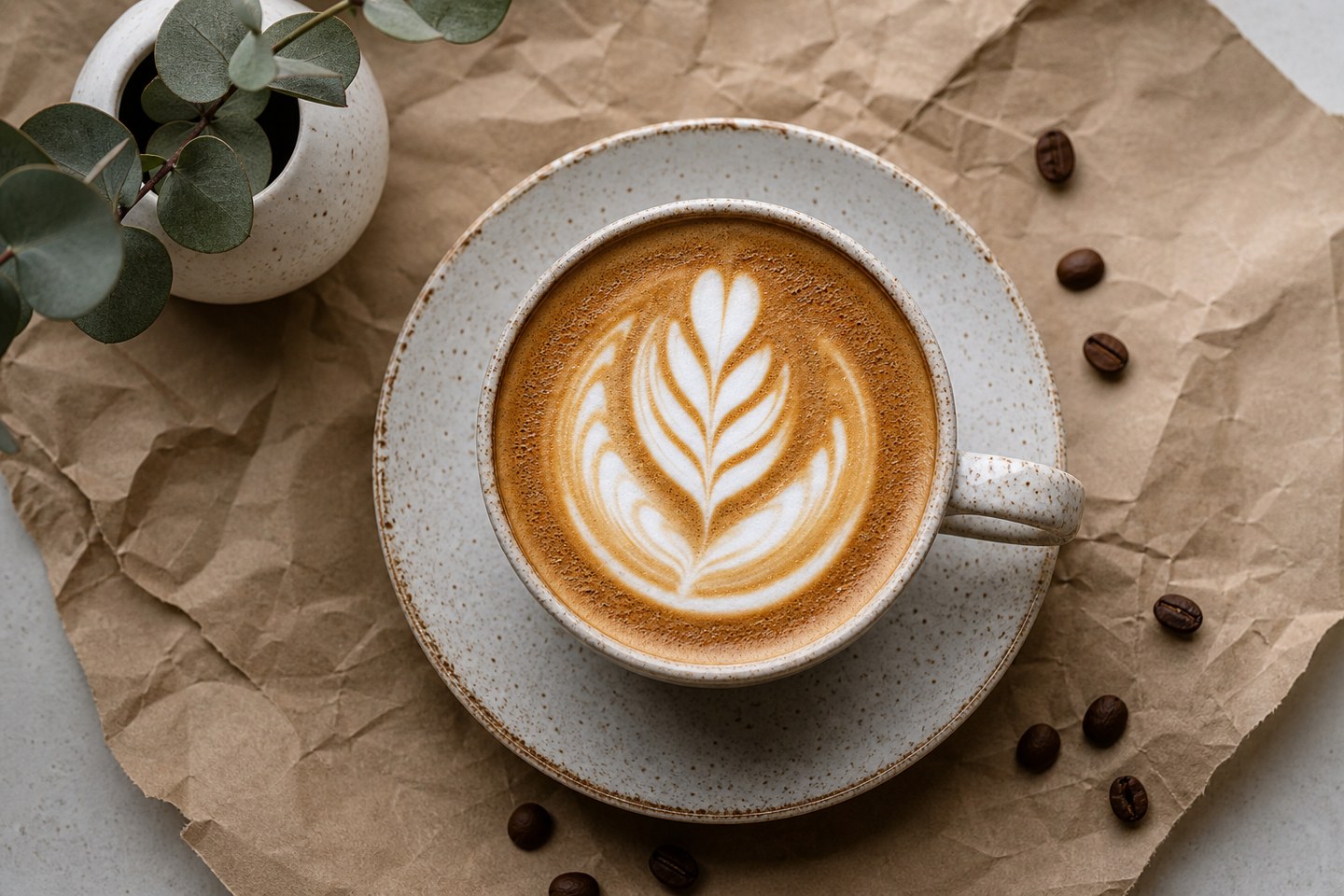
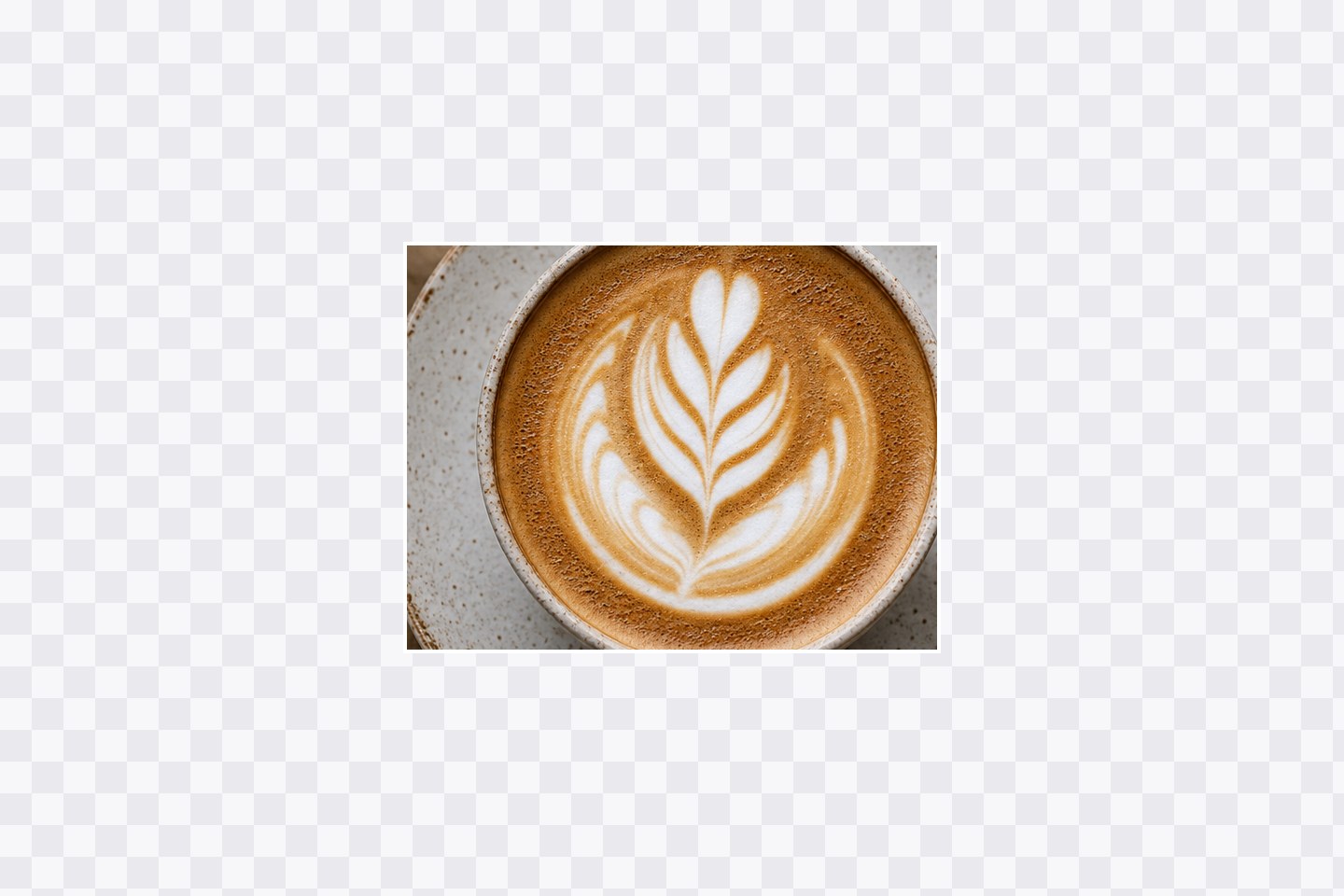 Before
After
Before
After
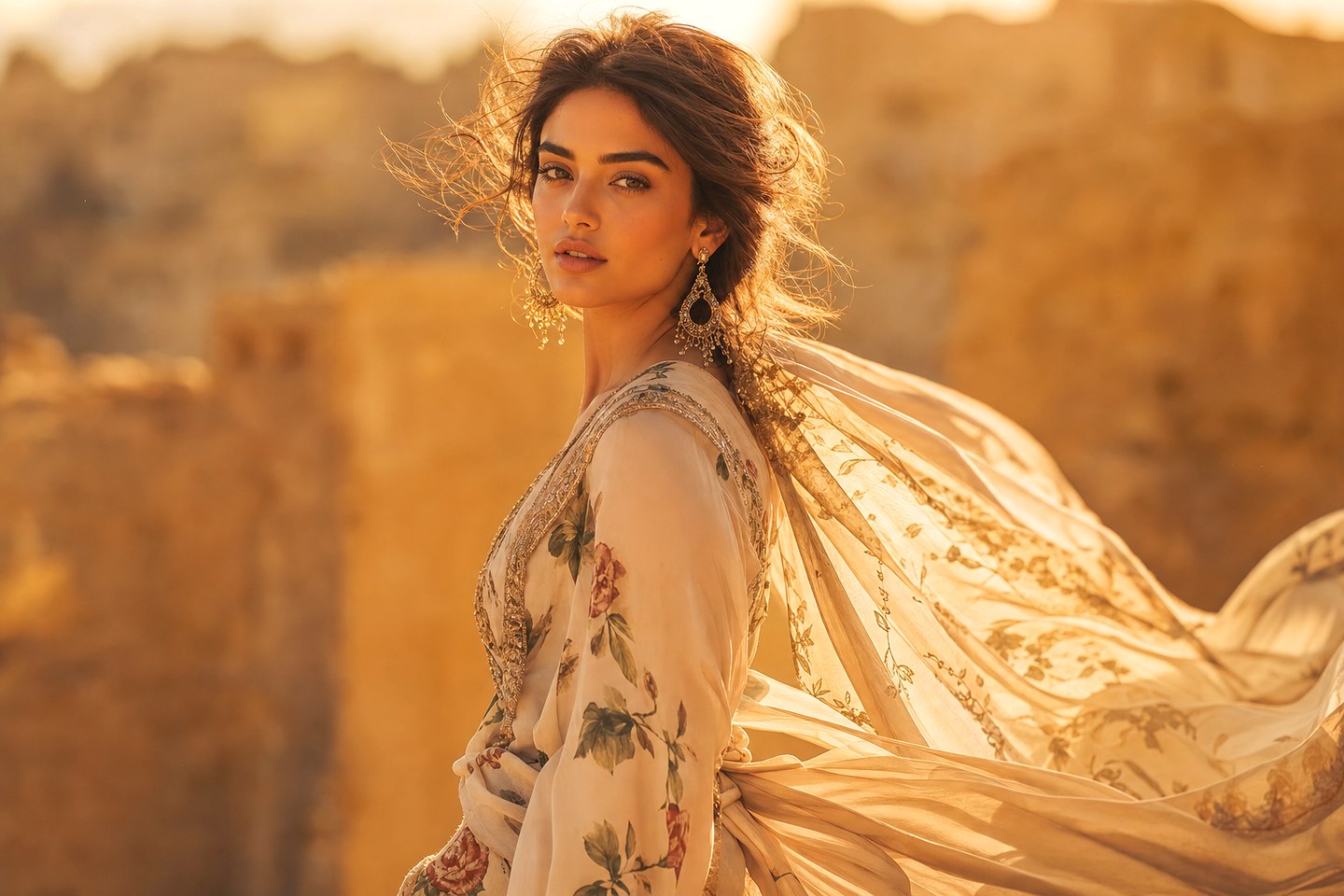
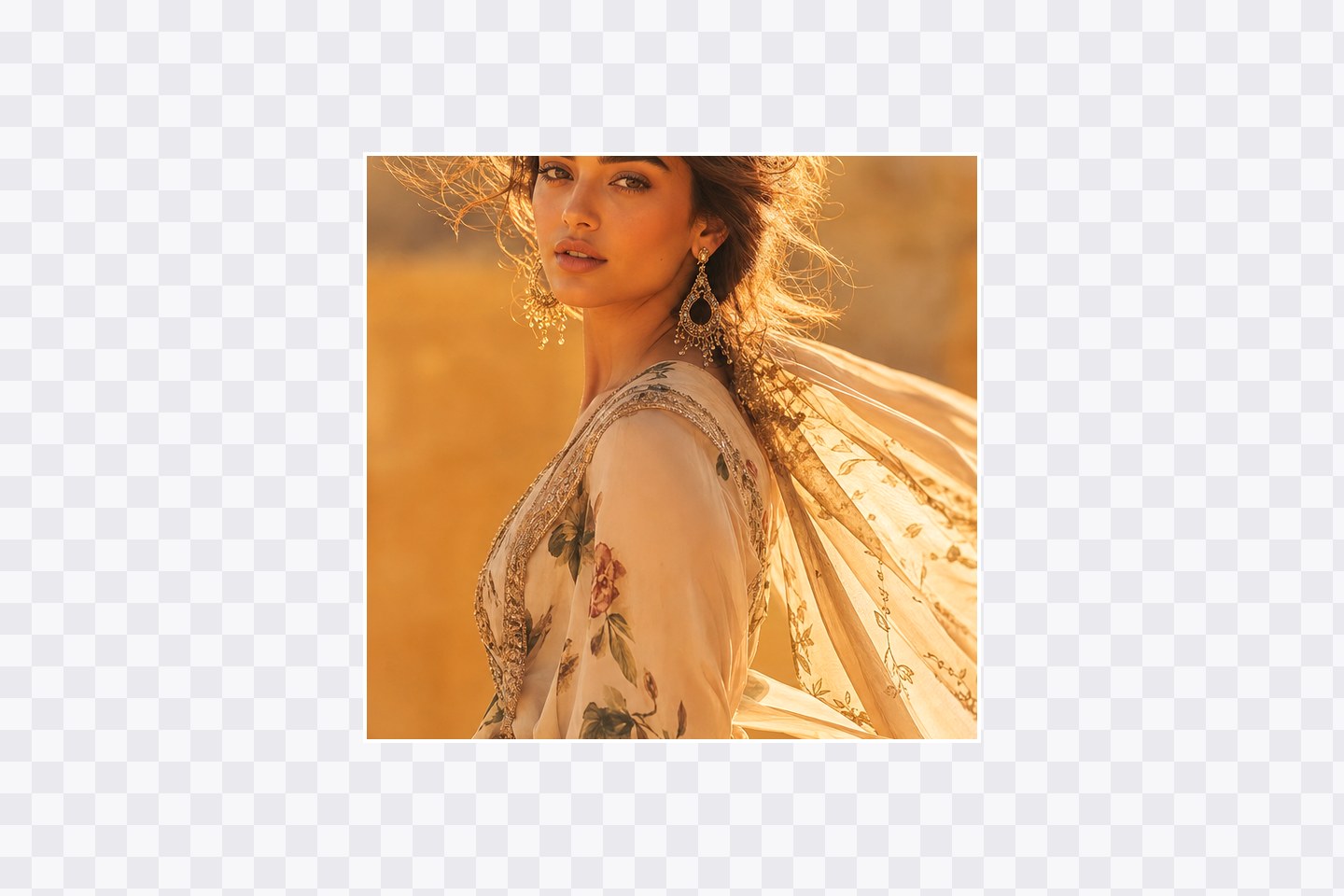 Before
After
Before
After
Expansion only paints outward from the edges. Key elements stay pixel-perfect — the AI never distorts, reframes, or redraws your subject.
Pricing
Scale with more muse image generations, 4K upscaling, and full commercial rights. Try Muse Image free first, upgrade only when you need more credits.
Everything you need to start with the Muse Image generator.
Billed yearly
SubscribeThe sweet spot for creators using muse image in production.
Billed yearly
SubscribeMaximum throughput for high-volume muse image work.
Billed yearly
SubscribeAI expand image grows a picture beyond its original edges: instead of cropping inward, you enlarge the canvas and let AI paint new scenery and background that blends seamlessly with what was already there — your subject stays untouched. Want the details on how it works, when to use it, and how it compares to cropping or upscaling? It's all in the FAQ below.
FAQ
AI expand image is the fastest way to grow a picture beyond its original edges. Instead of cropping inward, you enlarge the canvas and let AI generate new scenery and background that blends seamlessly with what was there. Upload a shot, choose a bigger frame, and Muse Image paints outward — so you can expand image dimensions, expand photo backgrounds, or uncrop a picture framed too tightly, all in seconds.
People call it an image expander or AI image expander, an image extender or AI image extender, and search for extend image, ai extend image, ai expand photo, expand photo ai, photo expand, or ai photo expand — all the same outpainting idea.
Traditional editing forces a trade-off: to reshape a picture you either crop away detail or stretch pixels until they distort. AI expand image removes that with generative expand — the model studies the frame and creates matching content in the empty area around it.
Because it generates new pixels instead of resizing old ones, there is no blur and no visible seam. Expand image size on a portrait and you get more sky and ocean under the same light; expand background on a product shot and the shadows and reflections continue naturally. It is just as easy to expand background of image shots that feel cramped — and your subject is never redrawn, so faces, logos, and fine details stay pixel-perfect.
Reformatting one image for many channels is where AI expand image saves the most time — you can even expand images in batches to keep a whole set consistent. Common uses:
These tools solve different problems. Crop and a basic resize or AI image resizer reshape by removing or stretching pixels; an AI image upscaler adds resolution to the same framing. AI expand image is additive — it grows the frame and generates believable new scenery while keeping your subject untouched.
| Method | What it does | Your subject |
|---|---|---|
| Crop | Removes pixels to change shape | Detail cut away |
| Resize / AI image resizer | Squashes or stretches to fit | Distorted |
| Upscale / AI image upscaler | Adds resolution, same framing | Kept, but no new scene |
| AI expand image | Grows the frame with new content | Kept, untouched |
Many creators use both: first AI expand image to the aspect ratio they need, then upscale image to 2K or 4K. On Muse Image you can ai upscale image in the same place, so upscale image ai and expand live in one natural-language workflow.
No. The tool only paints outward from the existing edges. Faces, products, and key details in your original photo stay pixel-perfect while new background is generated around them.
Standard formats like 16:9, 9:16, 4:3, 1:1, and custom ratios. This lets you reformat one photo for YouTube thumbnails, Stories, Instagram posts, and more without cropping.
PNG and JPG images are supported. Output can be exported in crisp 2K, with optional 4K upscaling for print-ready results.
No prompt is required. The AI reads your scene automatically and fills in matching surroundings. You can optionally add a short prompt to steer what appears in the new space.
Yes. Paid plans include full commercial usage rights, so you can use expanded visuals in ads, social media, e-commerce, and client work.
There is nothing to install. AI expand image runs online in your browser, so you can run ai expand image online from any device, on desktop or mobile. Every visitor gets a free generation with no sign-up, and new accounts start with bonus credits — a genuinely free expand image ai experience. Test AI image expand free and upgrade only when you need more volume. Even free runs have no watermarks, so an expand image ai free result is ready to use straight away.